TARS

One window runs
the whole instrument.

TARS is the software on every L:Biopsy™ instrument. It runs the protocol, scans the chip and shows you each cell to count.

See each cell, channel by channel.Real on‑chip IF images, down to a single cell.

Eight workspaces, one for each job.

Pick one to see it.
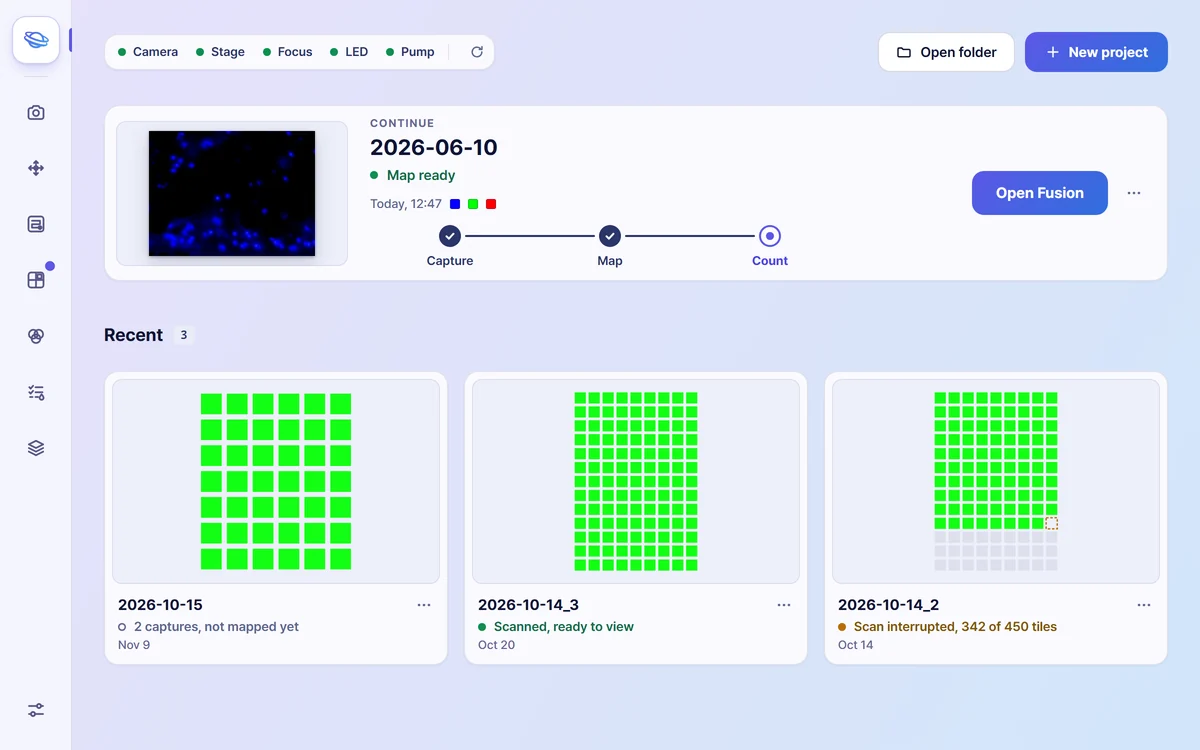
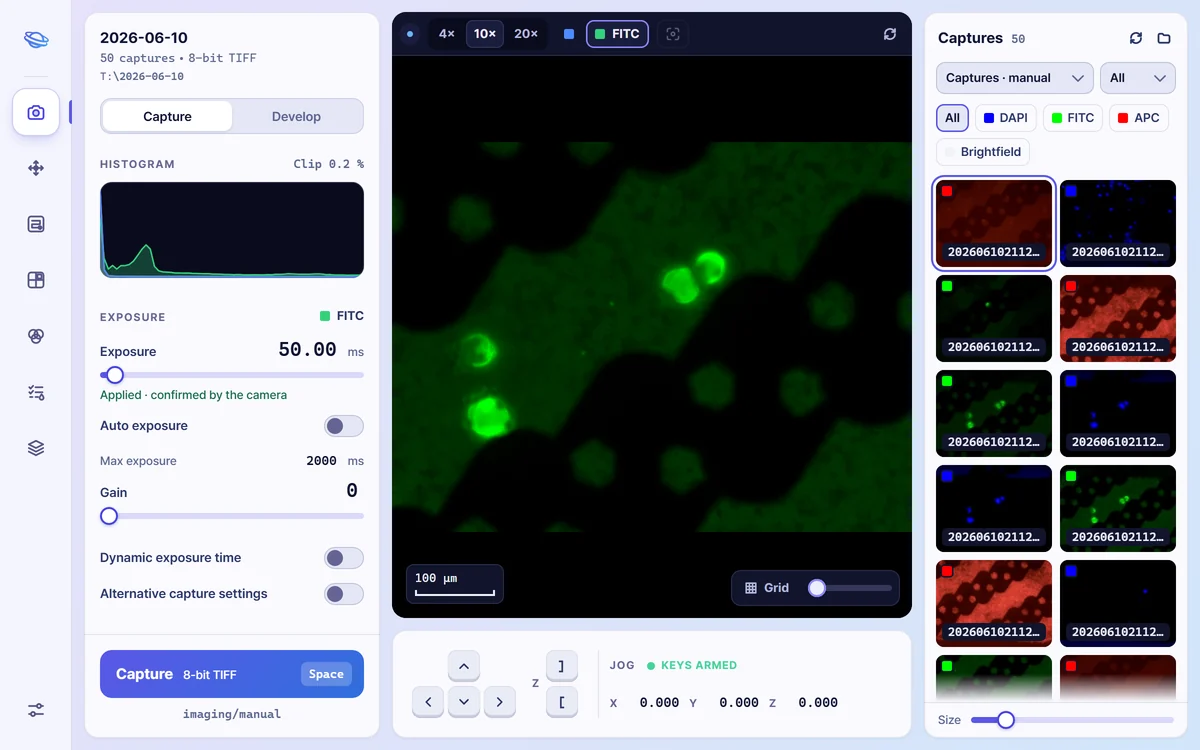
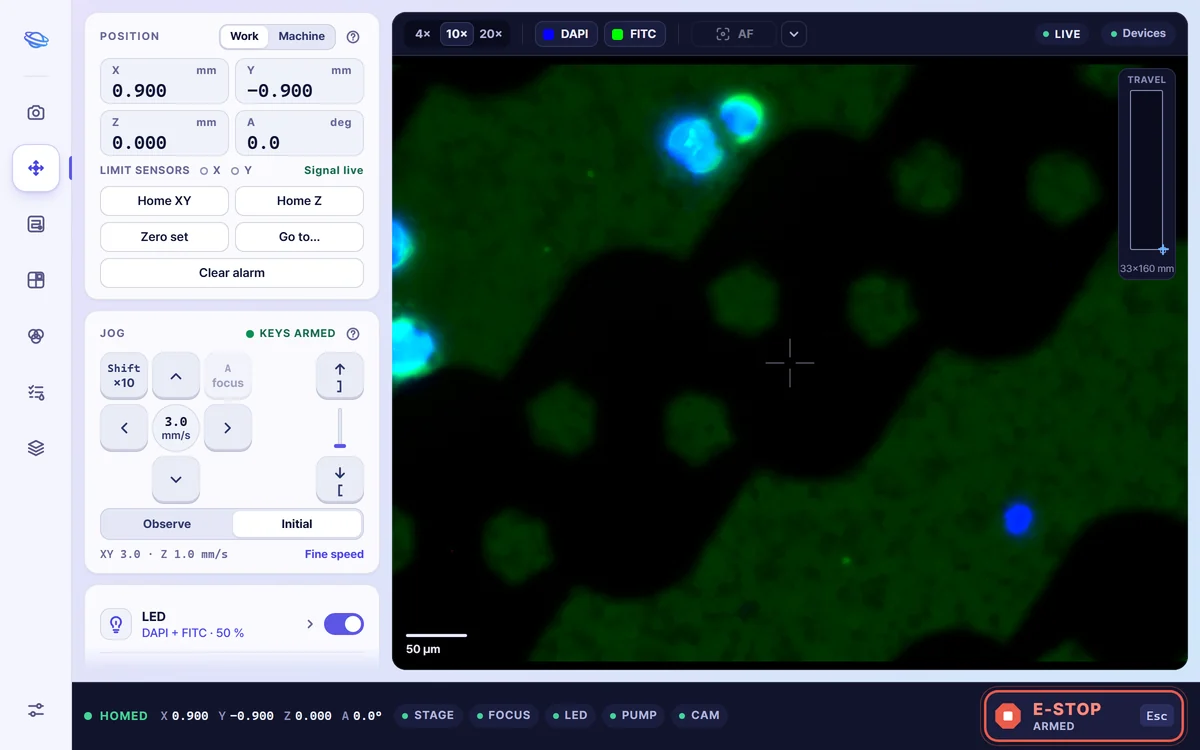
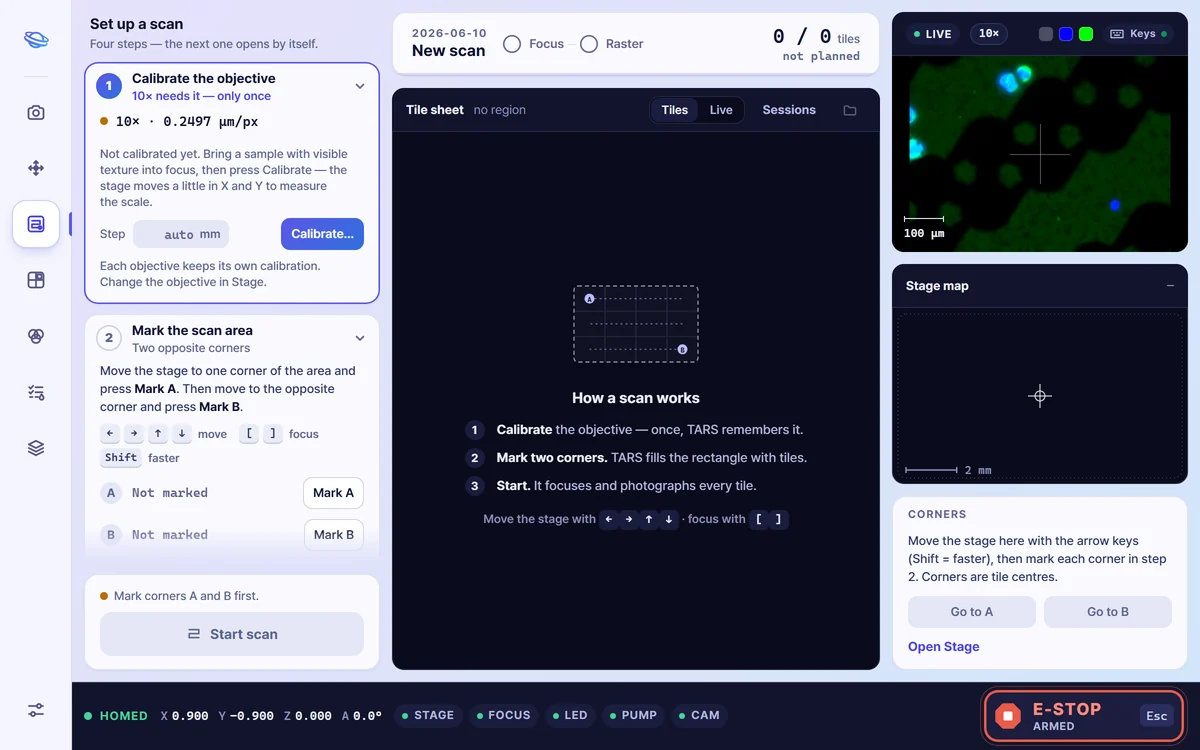
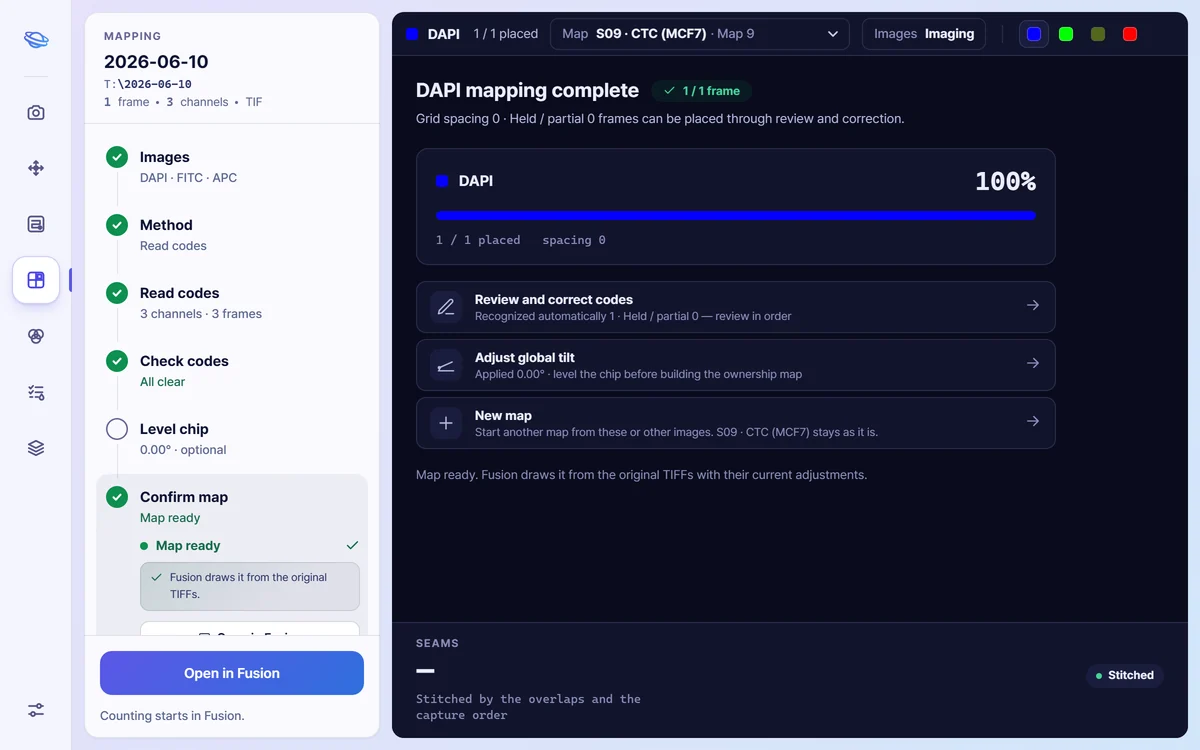
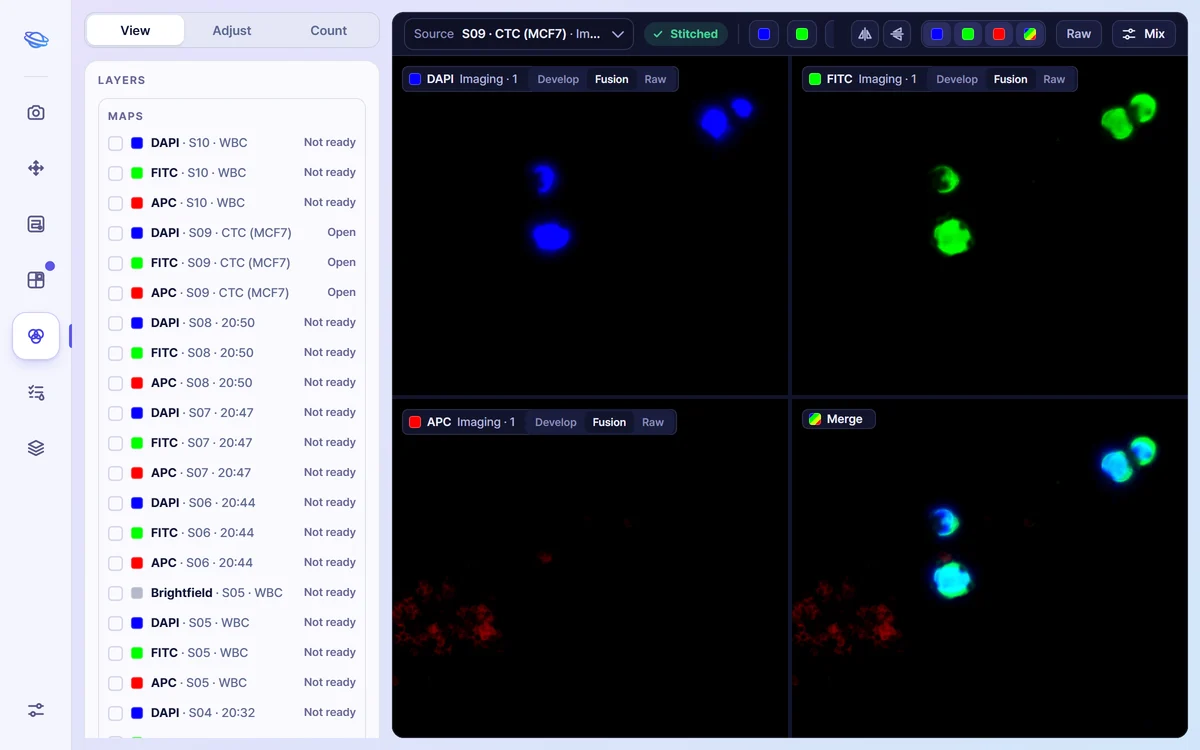
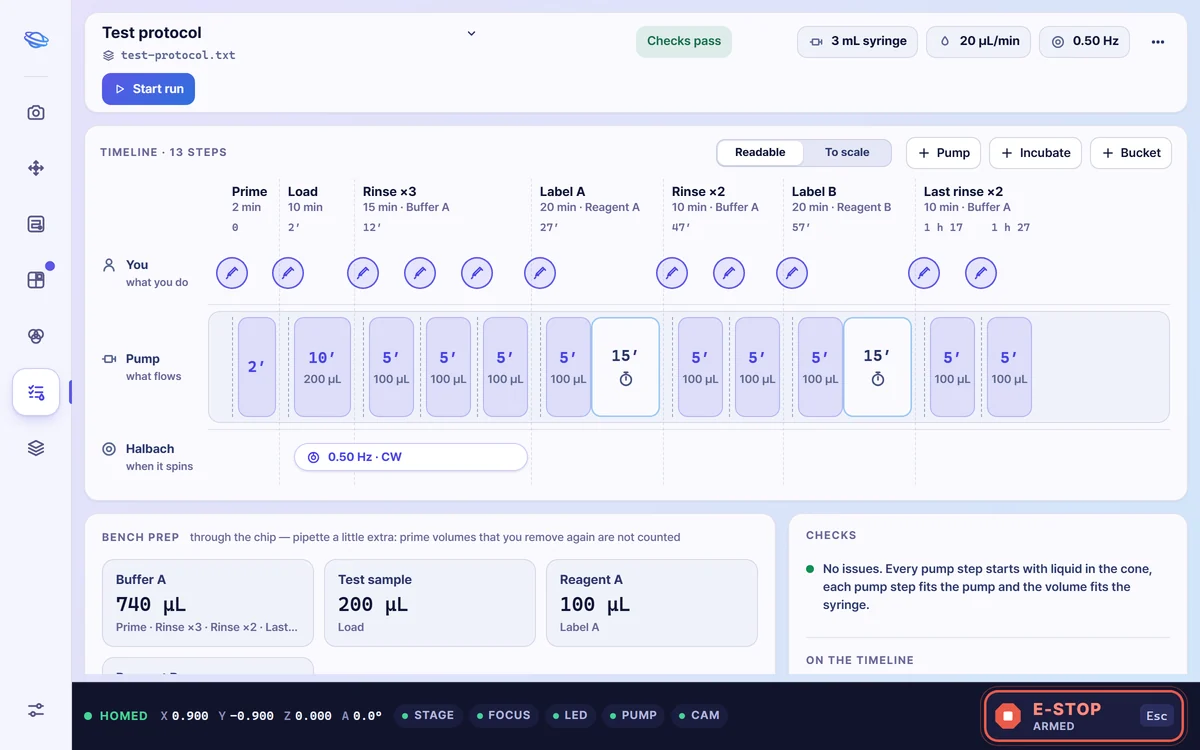
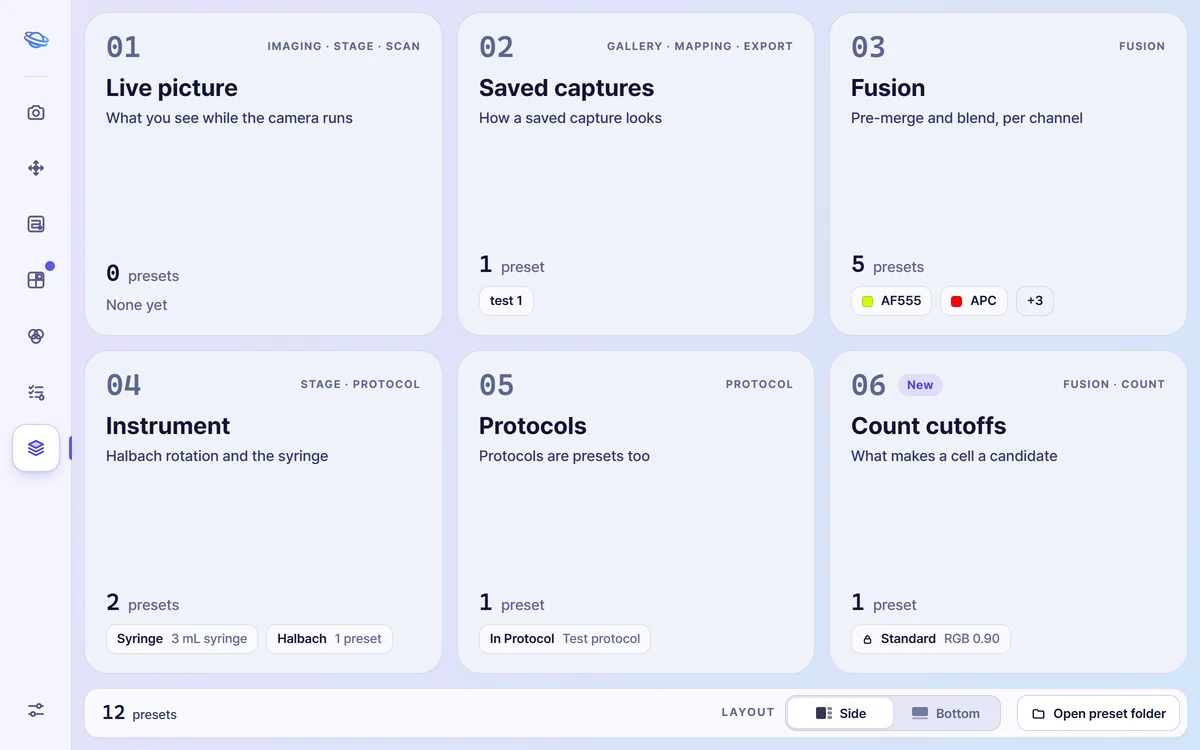
TARS Home: the project to continue, with its Capture, Map and Count steps, and three recent projects TARS Imaging: the live fluorescence picture, exposure controls and the gallery of captures TARS Stage: position read-outs, the jog pad and the live picture TARS Scan: the four steps of setting up a scan and the tile sheet TARS Mapping: a finished map with its checks TARS Fusion: DAPI, FITC, APC and merge panes of a tumor cell and its neighbors, on the View tab TARS Protocol: the timeline of a test protocol with its pump steps TARS Presets: six shelves of saved settings

HomeRecent projects Pick up where you left off Devices at a glance

ImagingChannel by channel Exposure and gain Saved as TIFF

StageJog X, Y and Z Home and zero Magnet and pump by hand

ScanCalibrate once Mark two corners Press Start

MappingCodes checked for you Level the chip Export as PNG, JPG or TIFF

FusionEvery channel side by side The merged image beside them Right-click a cell to count it

ProtocolEvery step on one timeline Volumes worked out for you Checked before the run

PresetsLive picture and captures Fusion blends Syringe, magnet and protocols

Try TARS on
your own samples.

A free 8-week demo instrument, in your lab.